
How to Plan an Itinerary with Google Maps – Our Favorite Travel Method!
Travel planning doesn’t have to mean spreadsheets, endless tabs, or overstuffed schedules. Over time, we’ve found that Google Maps is one of the simplest and most flexible tools for building an itinerary that actually makes sense once you’re on the ground.
Instead of planning day by day in pure chaos, Google Maps lets you see how places connect, how neighborhoods flow, and what’s realistic to do in a single day. It’s visual, adaptable, and easy to update as plans change.
In this guide, we’re breaking down exactly how to plan an itinerary with Google Maps, from gathering inspiration to building daily routes that feel balanced, not rushed.
Want to save this article for later? Pin it!
*Please note that this blog post may contain some affiliate links, which we make a small profit on, at zero cost to you. Links are only used on products & services that we’ve used and believe in, to give you the best buying experience. Purchasing from these links helps us to continue providing free travel guides for you- so thank you for your support!
Our Travel Planning Recommendations
Why Plan an Itinerary With Google Maps?
Before getting into the steps, it’s important to understand why Google Maps works so well for travel planning. These are some of the questions we get asked most often.
🤔 Why Is Google Maps Better Than Traditional Itinerary Planning?
Google Maps lets you plan visually instead of linearly. Seeing everything pinned on a map makes it easier to understand distances, neighborhoods, and travel time between places.
This approach helps avoid overplanning and reduces time wasted moving back and forth across a city.

✍🏻 Can Google Maps Really Replace a Written Itinerary?
For many trips, yes. When you plan an itinerary with Google Maps, your map becomes your itinerary, showing exactly where you’re going each day.
You can still keep notes elsewhere, but the map acts as a living guide you can adjust in real time.
🗺 Is Google Maps Good for Slow Travel and Flexible Trips?
Google Maps is especially helpful for slow travel. It allows you to group activities naturally and leave room for spontaneity without losing structure. Instead of locking yourself into strict timelines, you can plan by area and mood.

Step-by-Step: How to Plan an Itinerary With Google Maps
Ready to learn how to plan an itinerary with Google Maps? This is the exact process we use when planning a trip, whether it’s a weekend city break or a longer slow travel itinerary.
👀 Step 1: Gather Places You Want to Visit
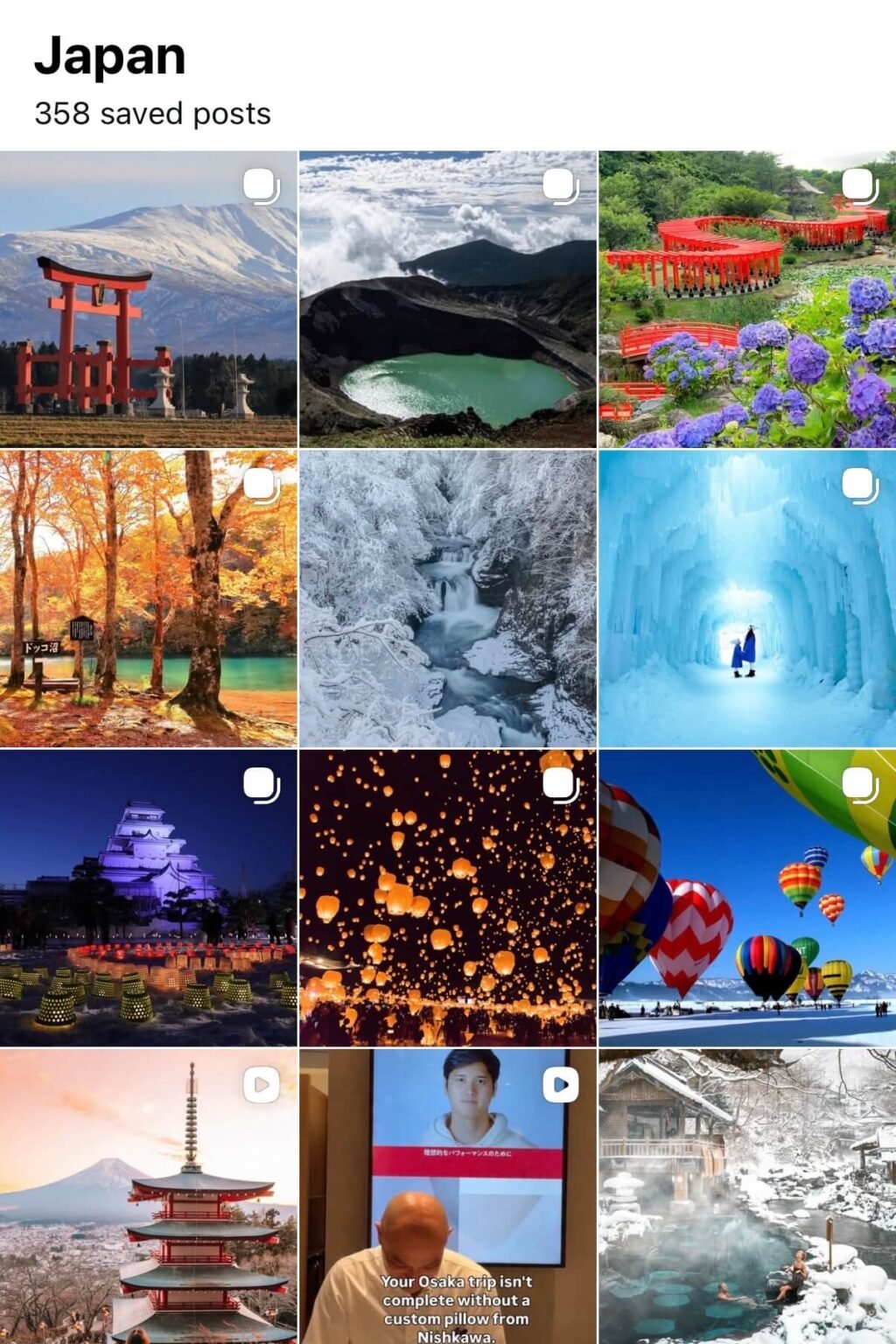
Start by collecting places that interest you from Instagram, Pinterest, Tik Tok, travel blogs, and saved posts. Don’t filter too much at this stage, just gather ideas, and make a big list of all of the places you want to visit, and the activities that you want to do. This step is about inspiration, not logistics, and it gives you a solid base before opening Google Maps.
📌 Step 2: Pin Everything in Google Maps
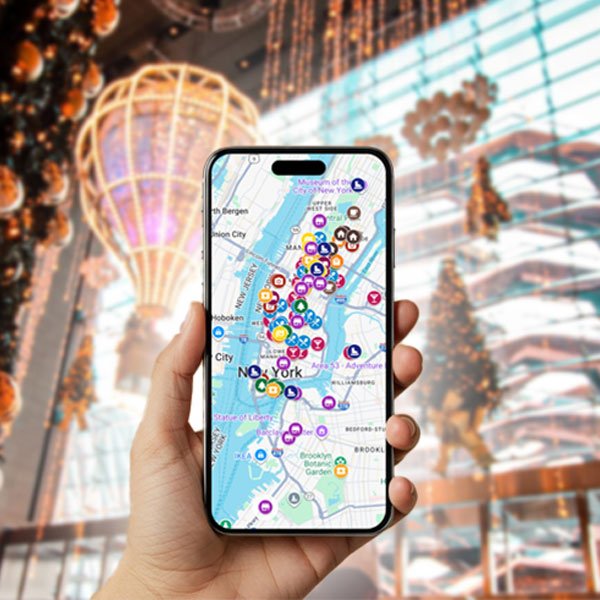
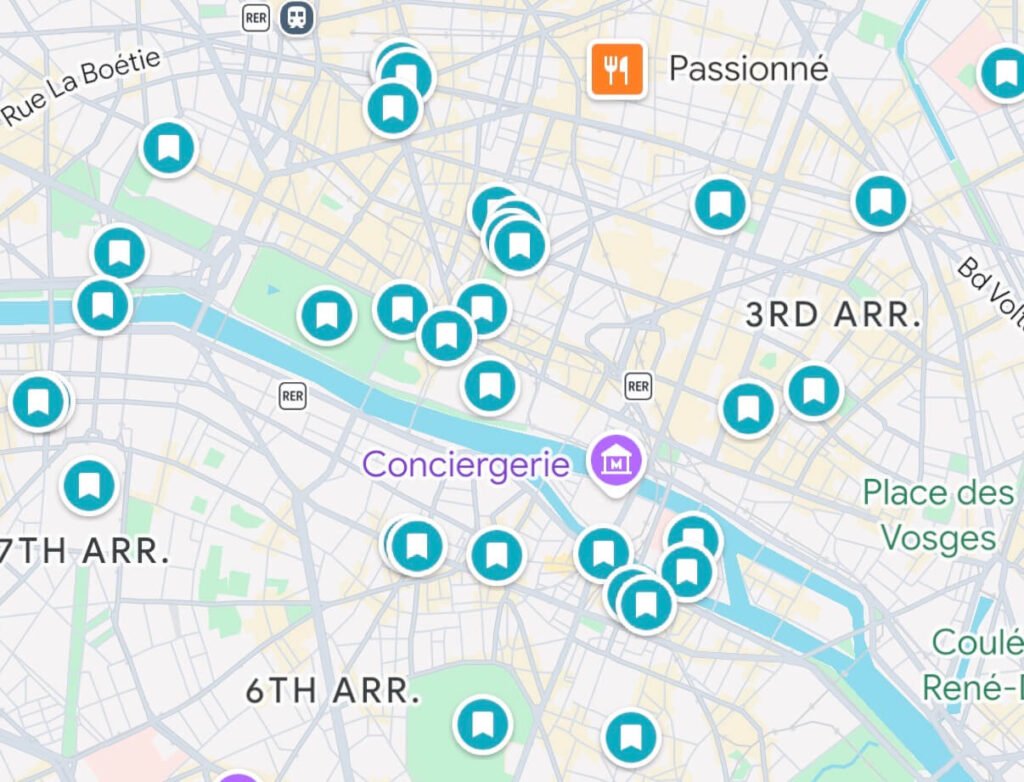
Once you have all of your ideas, pin every place in Google Maps. You can use different icons or colors for cafes, viewpoints, restaurants, museums, and landmarks. This will keep you organized because it will allow you to better visualize things by meal times, and for sunrise/sunset or at night.
When you plan an itinerary with Google Maps this way, patterns start to appear naturally, especially by neighborhood.
We recommend putting a note into your pin explaining what makes the place special, or if there is anything you need to know when you start planning your itinerary. This will make your itinerary planning with Google Maps much easier and prevent you from miscalculating things.

📆 Step 3: Make a List of Important Dates and Times
Some activities depend on timing, not location. This includes museum days, markets, tours, sunrise spots, sunset viewpoints, and events.
Writing these out separately helps you avoid planning something on the wrong day or missing limited-time experiences.
Activities or destinations that are time-sensitive should be your primary pillars for building your itinerary with Google Maps.

Step 4: Plan Around Opening Times, Events, & Lighting
Now that you have your opening times and dates, you can use those to start placing specific things on certain days. Then those days you can focus on the surroundings of that pillar.
As photographers, sunrise and sunset are also really important for us – so we make a list of places we want to start and finish our day. Once we do that, we can then start filling in the activities and destination that are between those two points.
When you plan an itinerary with Google Maps alongside a simple pillars, everything starts to click together more smoothly.

🏘 Step 5: Build Daily Itineraries by Neighborhood
Now comes the fun part! Use your pinned map to group places by neighborhood and build days that flow naturally.
A typical day might include a sunrise or morning viewpoint, a nearby cafe, sightseeing within walking distance, lunch, an afternoon wander, a sunset spot, and dinner close by. Planning this way minimizes travel time and keeps days feeling balanced.
Don’t forget to give yourself a realistic amount of time for each place, with some extra buffer time. You may meet people, find a hidden gem, or stop at an unexpected shop. It’s important to allow yourself time to enjoy those unplanned moments too.
⭐️ Bonus Tip for When You Plan and Itinerary with Google Maps – the ABC Method
Not everything needs to happen (or sometimes unexpected things happen), and that’s where the ABC method comes in. Your A list includes non-negotiables – the things you absolutely are dying to see and do. When creating your itinerary with Google Maps, these need to be your main pillars (outside time-sensitive activities).
Your B list includes spot you really would like to go, and your C list is saved for extra time.
When you plan an itinerary with Google Maps using this method, you are able to identify your priorities. This will help avoid disappointment and stay flexible if plans change (which often happens during our travels).

Final Tips for Planning an Itinerary With Google Maps
Planning a trip with Google Maps is super fun, especially when you get the hang of it! From building your itinerary to using it as a reference during your travels, this is one of the most underrated ways to organize your trip.
Here are some final tips in case you missed anything or need another reference:
Once you get comfortable using this system, you’ll find that planning an itinerary with Google Maps makes trips feel much calmer, more intentional, and far more enjoyable.
Liked this article and want to access it again later?
Pin it!
👀 What’s Next?
Now that you know how to plan an itinerary with Google Maps, let’s help you with the rest of your travel planning.
Here are some other guides we have to help you be a better traveler:
✈️ 3 Easiest hacks for booking flights
📆 When to buy your flight
🤑 Flight hacking for beginners
📆 How to plan your 2026 travels
🤑 How to visit expensive destinations on a budget
🍃 30 Ways to become a more eco-friendly traveler
🛌 How to find unique stays
📲 10 Travel apps that will save you time and money
📝 10 Travel essentials you didn’t know you needed
🧳 28 Life-changing packing tips
🎒 Top 6 backpacks for travelers
💻 Strategies for booking your trip
👩🏻💻 10 Tips for working remotely while traveling




So are you ready to start planning your trip with Google Maps? We hope that this guide has helped you organize yourself and make things easier for your trip planning.
Want some other helpful travel tips? Check out our other travel planning and packing guides. Also, don’t forget to subscribe to our newsletter to receive our weekly article updates, and for exclusive discounts on our shop!
Still feeling overwhelmed with it all? We can plan your trip for you, or you can sign up for a one-on-one consultation where we spend time with you to help guide you through everything.

Here are some other guides you’ll love: